
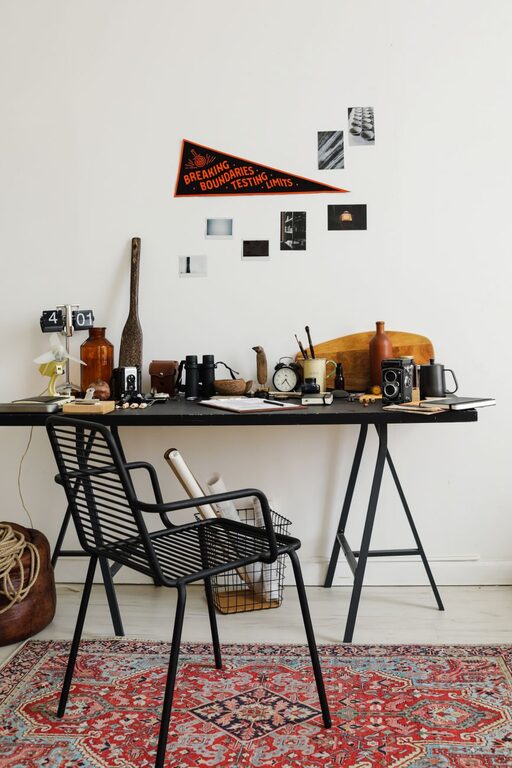
Creating a productive and inviting workspace doesn’t always require hours of effort. Sometimes, a quick refresh can make a big difference in how you feel and work throughout the day. Whether you work from home or in an office, dedicating just ten minutes to revitalizing your workspace can help clear your mind, increase focus, and boost creativity.
In this post, we’ll explore easy, practical steps to refresh your workspace in ten minutes or less. Ready to get started? Let’s dive in!
Why Refresh Your Workspace?
Your work environment plays an important role in your productivity and well-being. Over time, clutter, dust, and disorganization can accumulate, making your desk feel chaotic and uninspiring. Refreshing your workspace helps:
– Reduce distractions
– Improve focus
– Enhance mood
– Promote better ergonomics
– Encourage good habits
By spending a few minutes refreshing your area, you can create a clean, welcoming space that supports your daily tasks.
What You’ll Need
Before you start, gather a few simple supplies to make the process smooth and efficient:
– Cleaning wipes or a microfiber cloth
– Trash bag or bin
– Small dish or container for loose items
– Spray bottle with water or mild cleaner (optional)
Having these items handy ensures you don’t waste time searching for tools mid-refresh.
Step-by-Step: Refresh Your Workspace in 10 Minutes
1. Clear the Surface (2 minutes)
Start by removing everything from your desk surface. This includes papers, office supplies, gadgets, mugs, plants—anything currently on your workspace. Place items on a nearby table or floor temporarily.
2. Quick Clean (2 minutes)
Wipe down your desk and any nearby surfaces using cleaning wipes or a damp microfiber cloth. Don’t forget your keyboard, mouse, and monitor screen (use a screen-safe cleaner if you have one). Removing dust and grime instantly brightens your area.
3. Sort and Declutter (3 minutes)
Go through the items you removed and divide them into three piles:
– Items you use daily or often
– Items you occasionally need
– Items you no longer need or belong elsewhere
Discard trash immediately. Place frequently used items back on your desk in an organized way. For occasional items, find a designated storage spot nearby. Put away items that belong in other rooms or locations.
4. Organize Essentials (2 minutes)
Arrange your essentials thoughtfully. Use containers, trays, or holders to keep pens, notebooks, and devices neat. Keep your computer and keyboard centered and accessible. If you have extra cables, consider using clips or ties to reduce tangling.
5. Add a Personal or Green Touch (1 minute)
Finally, add a small plant, a framed photo, or a decorative item to make your workspace inviting. Even a tiny touch of nature or personality can boost your mood.
Bonus Tips for Maintaining a Refreshed Workspace
– Daily quick tidy: Spend 1-2 minutes at the end of each day tidying your workspace. It prevents clutter build-up.
– Limit items: Keep only what you need on your desk. Less clutter means less distraction.
– Use vertical space: Shelves or wall organizers free up desk room and keep items accessible.
– Go paperless: Digitize documents to reduce piles of paper.
– Ergonomic check: Adjust your chair, keyboard, and monitor for comfort while you refresh.
Conclusion
Refreshing your workspace in ten minutes is an easy, effective way to enhance your work environment and mindset. By clearing clutter, cleaning surfaces, and organizing essentials, you create a space that helps you stay motivated and focused. Try this quick routine regularly to enjoy a clean and inspiring workspace every day.
Ready to boost your productivity? Grab a cleaning cloth, set your timer, and give your workspace a ten-minute refresh now!